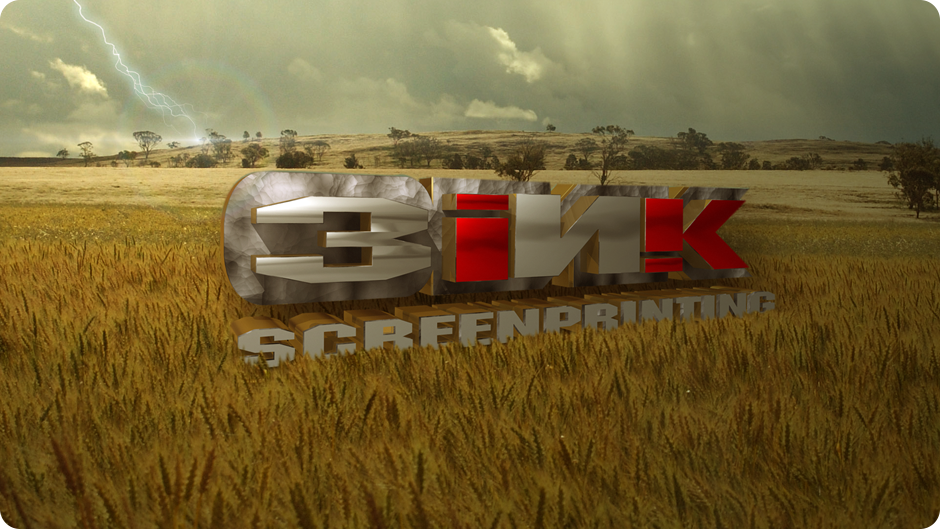
I sometimes get asked if I know how to do stylized photo processing with Photoshop. The answer is yes. For this piece I took an Illustrator file of the company logo into Lightwave and extruded a 3D version. I then applied some metallic textures while maintaining the look and feel of the original graphic version of the logo.
Once the logo was ready, I composited the finished logo with a background photo in Photoshop (including some masking of the grass to integrate both seamlessly).
To create the lightning, I exported the composited PSD file into After Effects and quickly applied the lightning and lens flare then re-imported the piece back into Photoshop. Finally, I completed the color grading and matched the lighting in the scene within Photoshop.